Why Digital Delivery Verification Matters 💡
Handing over cargo requires absolute verification to protect both your logistics operations and your client. By capturing the receiver’s identity details and an electronic signature in real time, CargoPal ensures zero dispute handovers and immediate delivery status synchronization across your entire network⚡
How to Issue a Shipment Step-by-Step 📝
Log in to your CargoPal dashboard and select Deliveries.
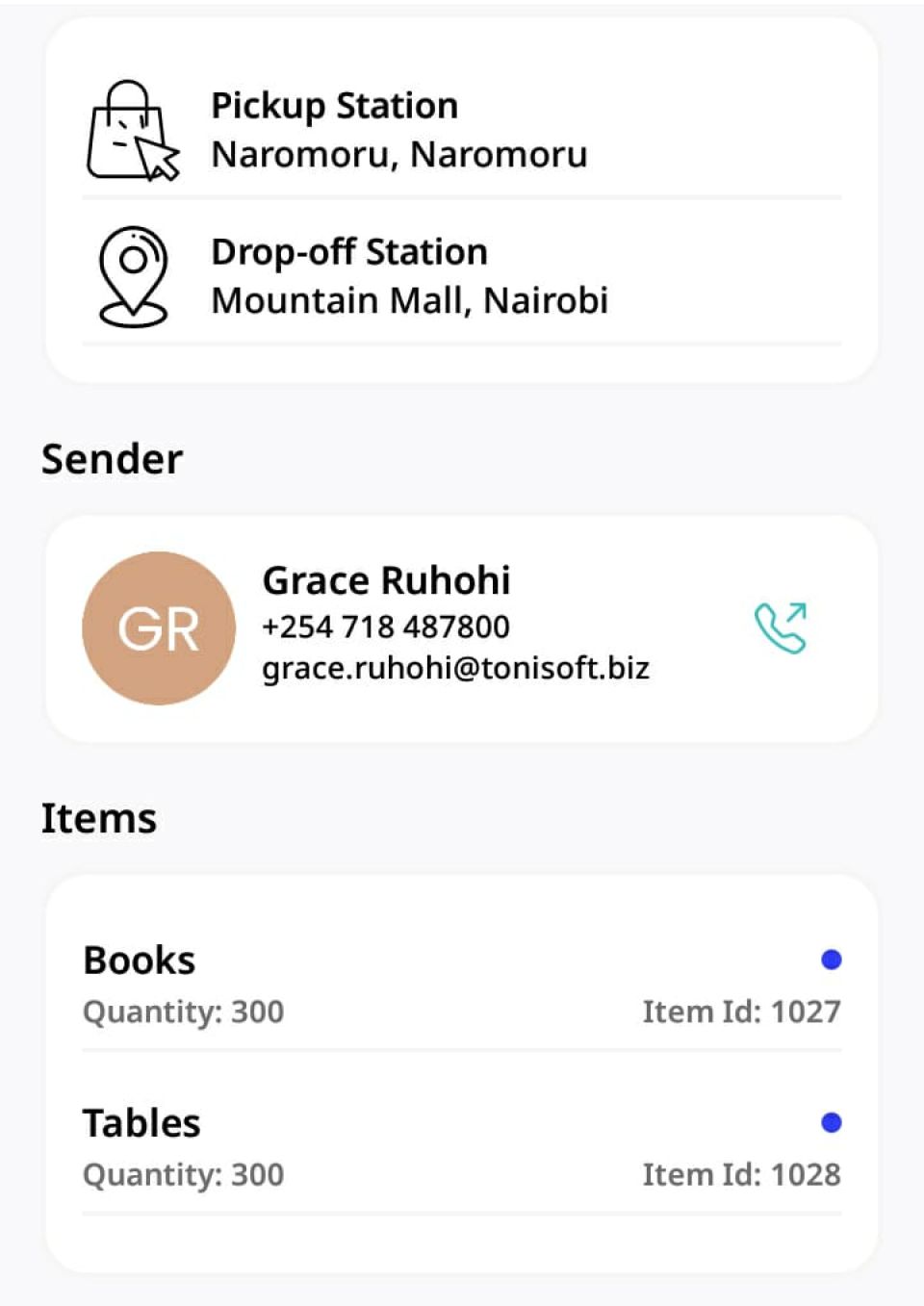
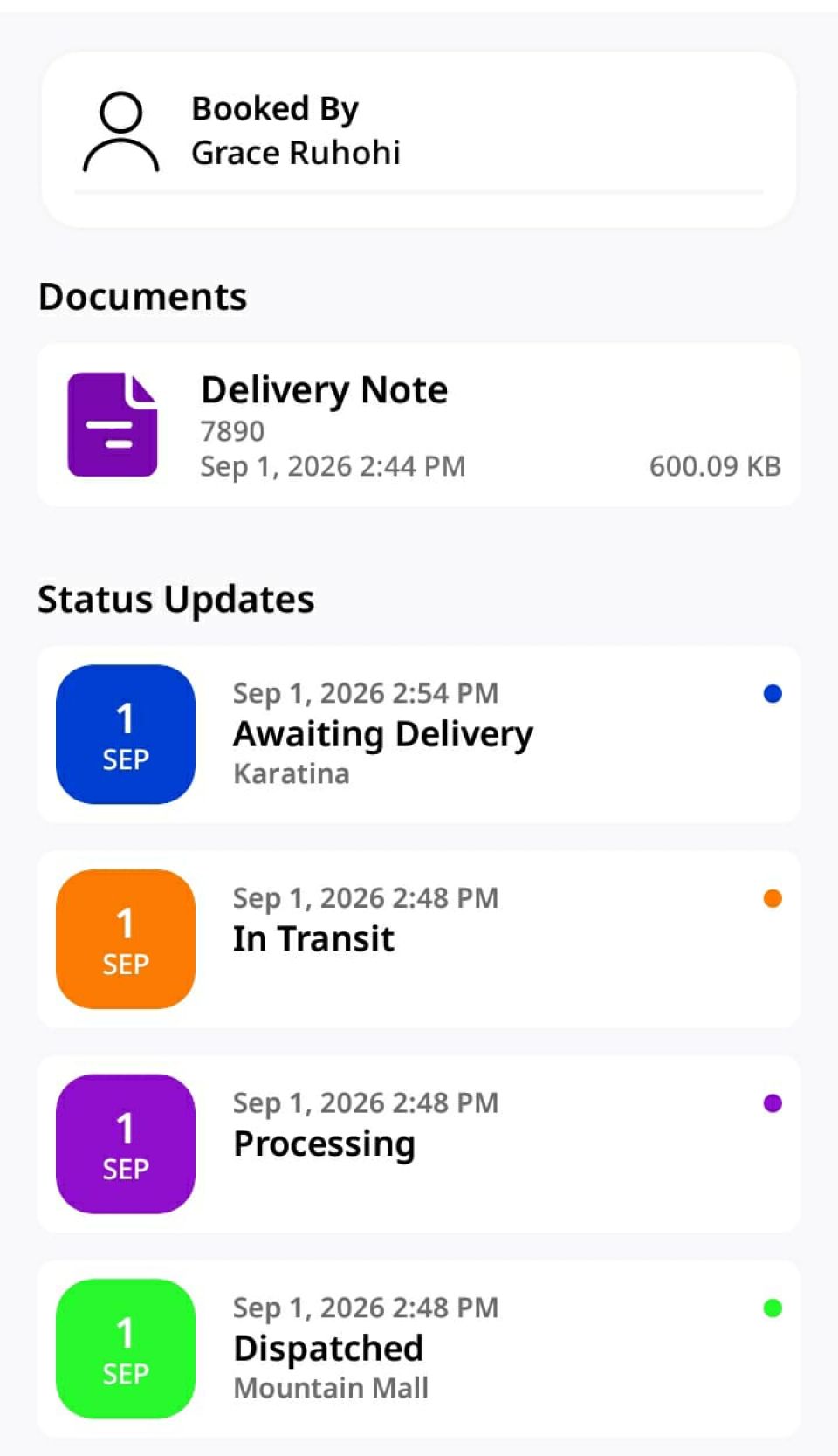
Tap on the specific active delivery manifest to open its details view.
Select the Target Shipment 🔍
You will see four navigation tabs: Details, Items, Shipments, and Documents.
Tap on Shipments and select the specific shipment ID you are issuing to the recipient.
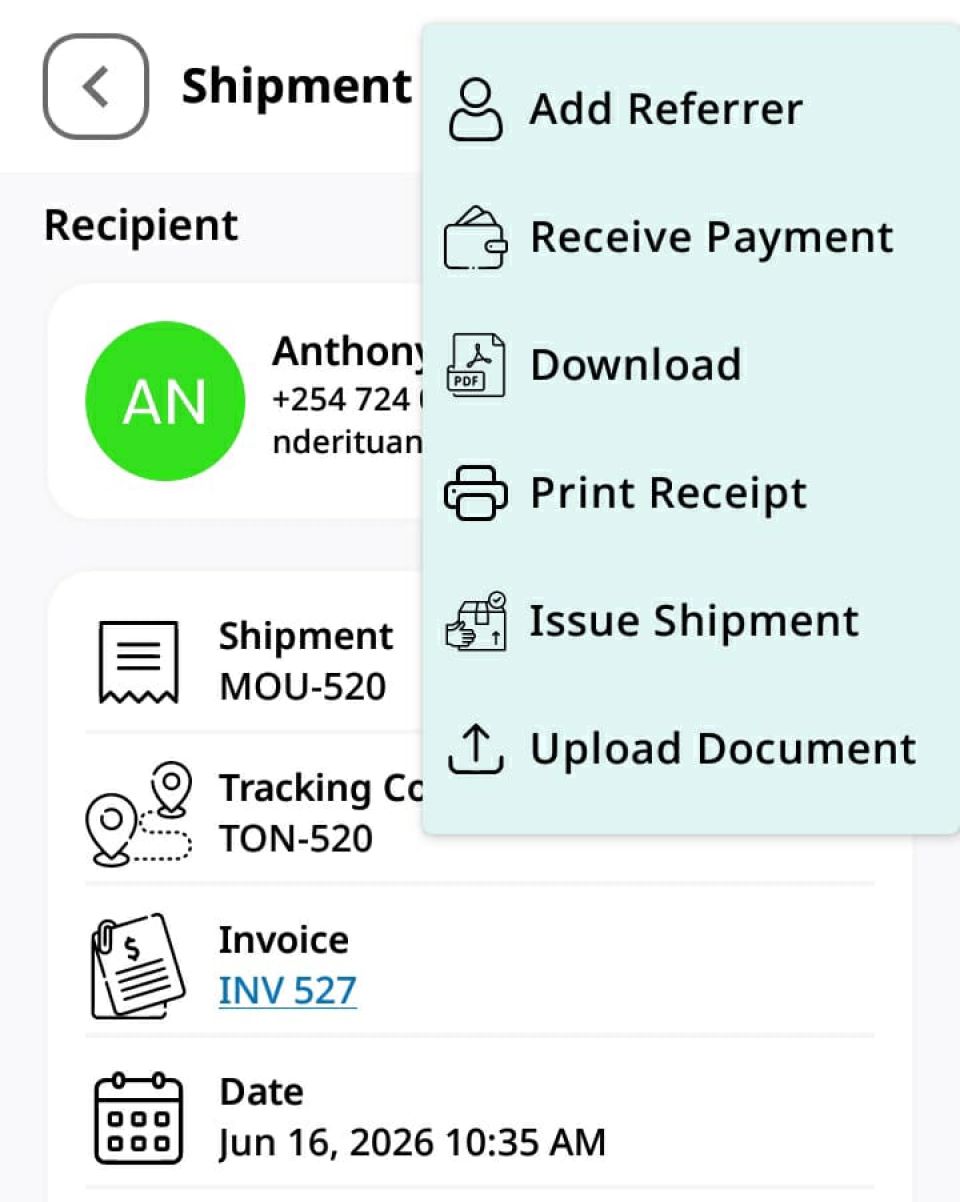
Tap the three dots (⋮) in the top right corner. You will see options including Receive Payment, Download, Print Receipt, and Issue Shipment.
(💡 Note: Tap Download if you need a local copy of the shipment document).
Select Issue Shipment to proceed.
Fill In Recipient Information 👤
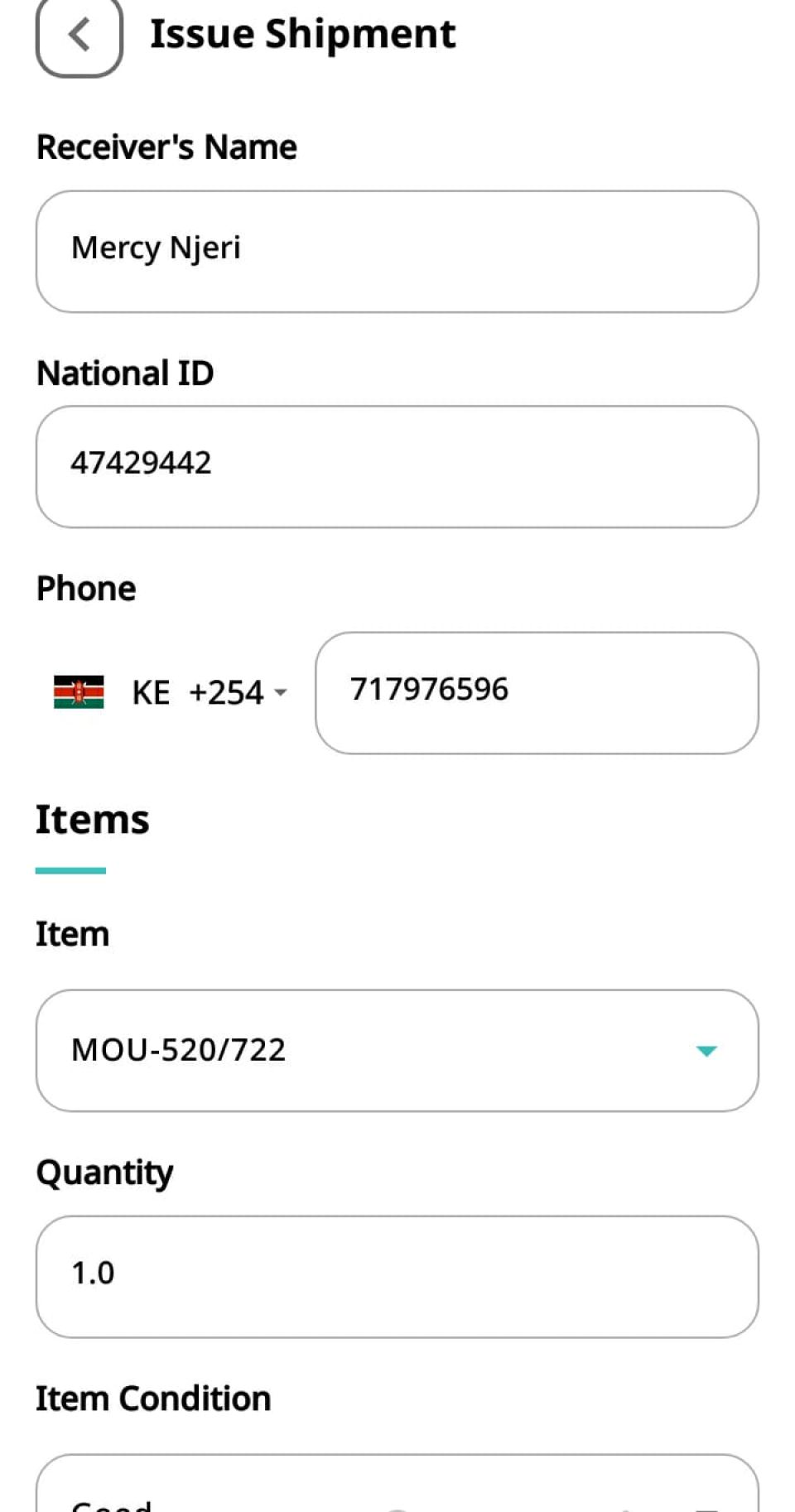
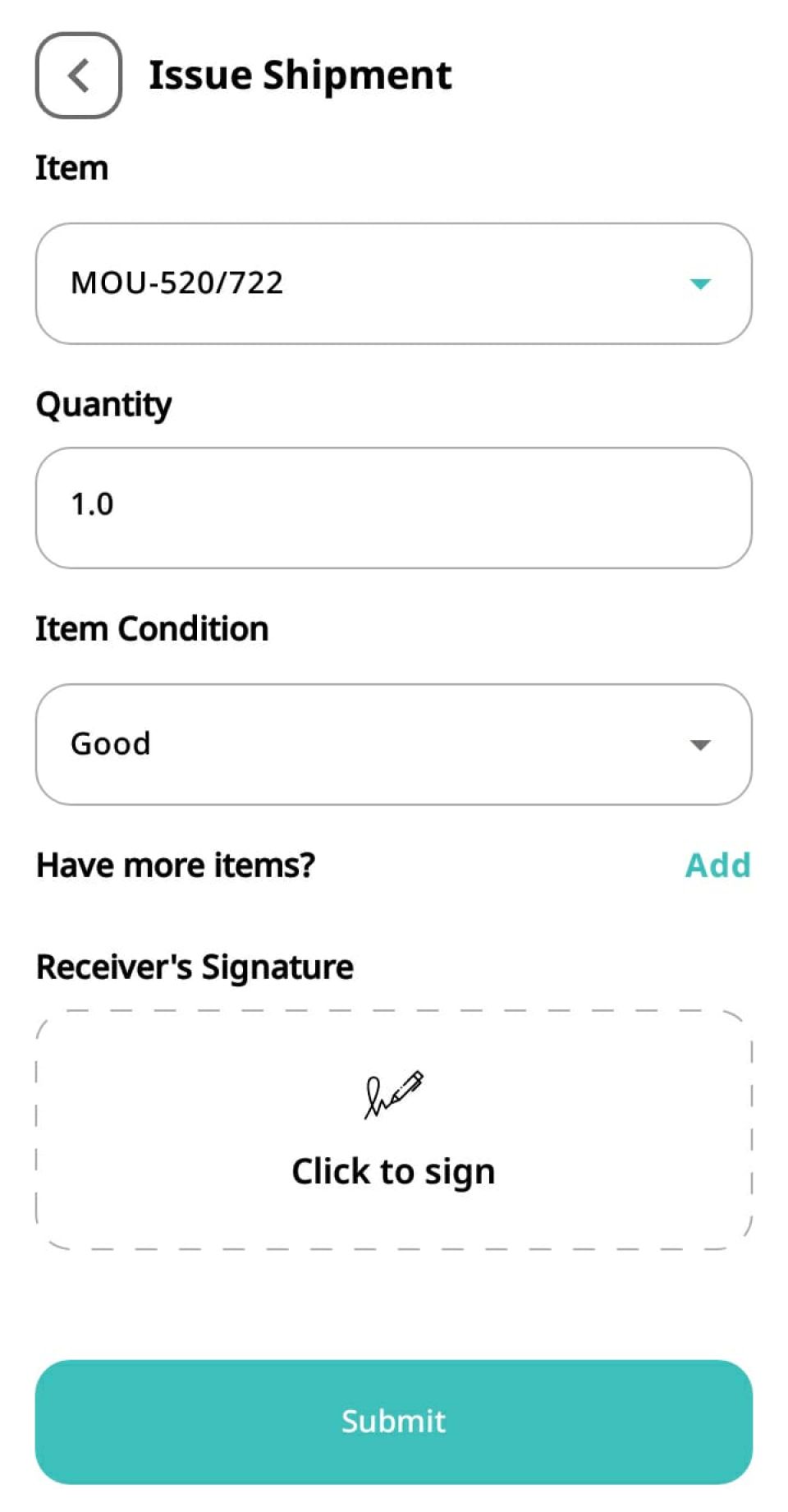
On the Issue Shipment form, enter the customer's verification details:
Receiver's Name, National ID, Phone Number
Verify Items and Condition 📦
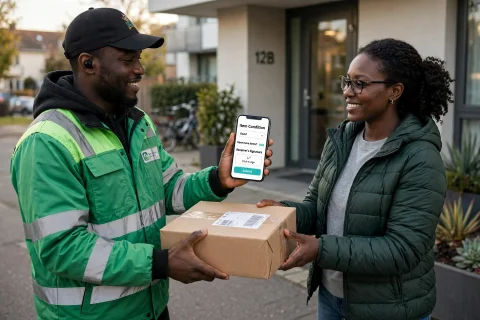
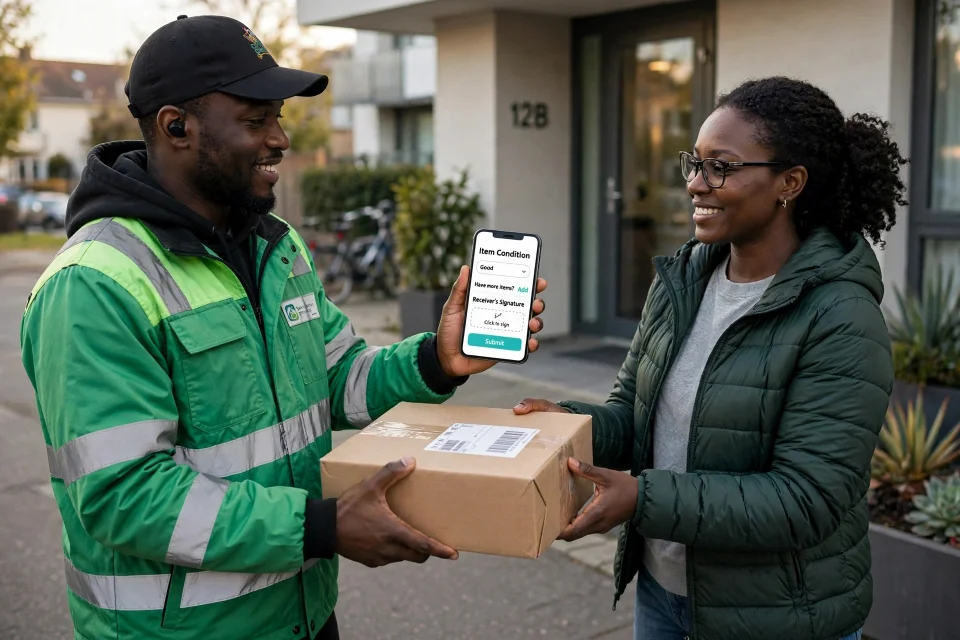
Under the Items section, select the item code, verify the Quantity, and select the Item Condition (e.g., Good).
(💡 Pro Tip: Need to hand over multiple packages to the same client? Tap Add to include additional items in the same confirmation!)
Capture Receiver’s Digital Signature ✍️
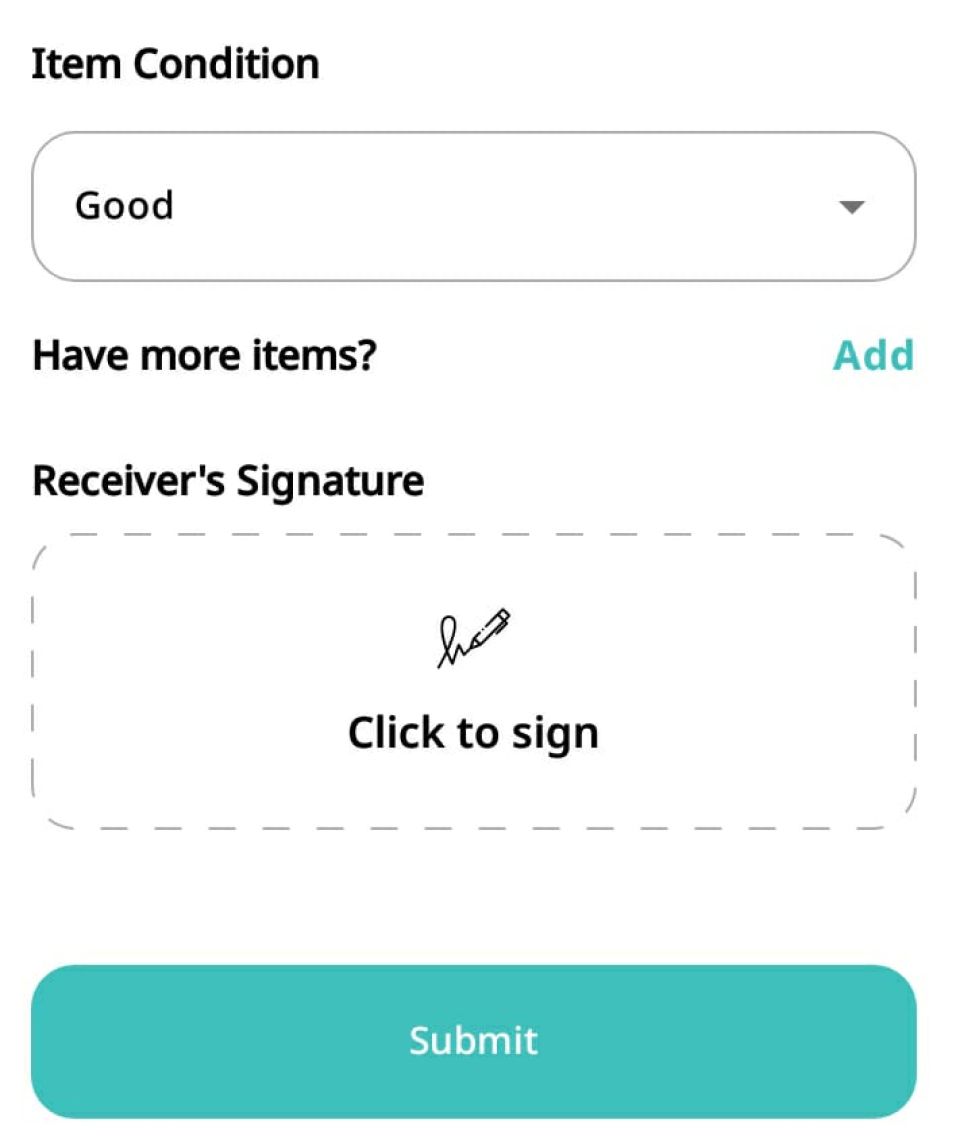
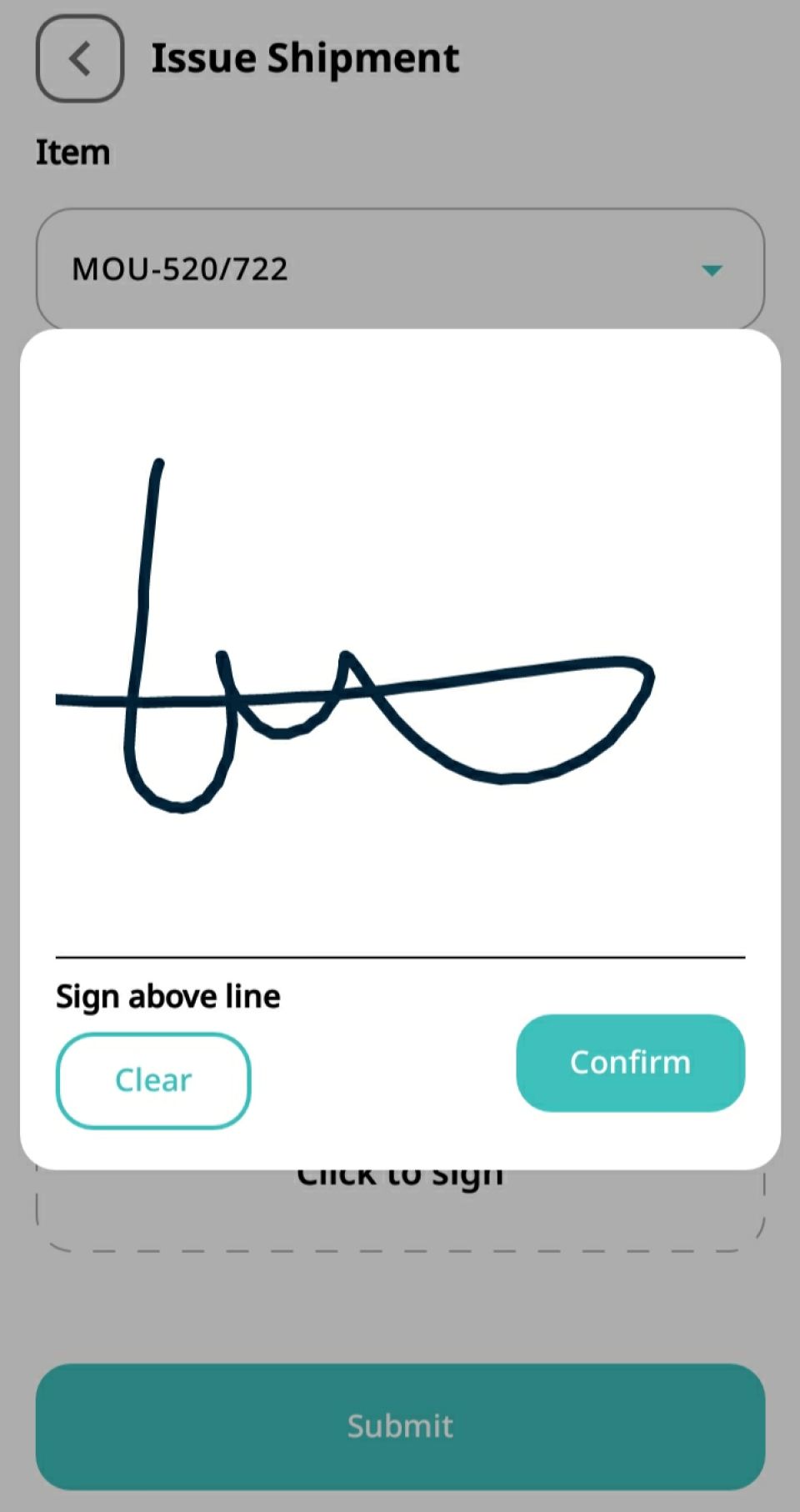
Tap Click to sign in the Receiver's Signature field. Have the recipient sign and tap Confirm.
Submit and Finalize Handover 🎉
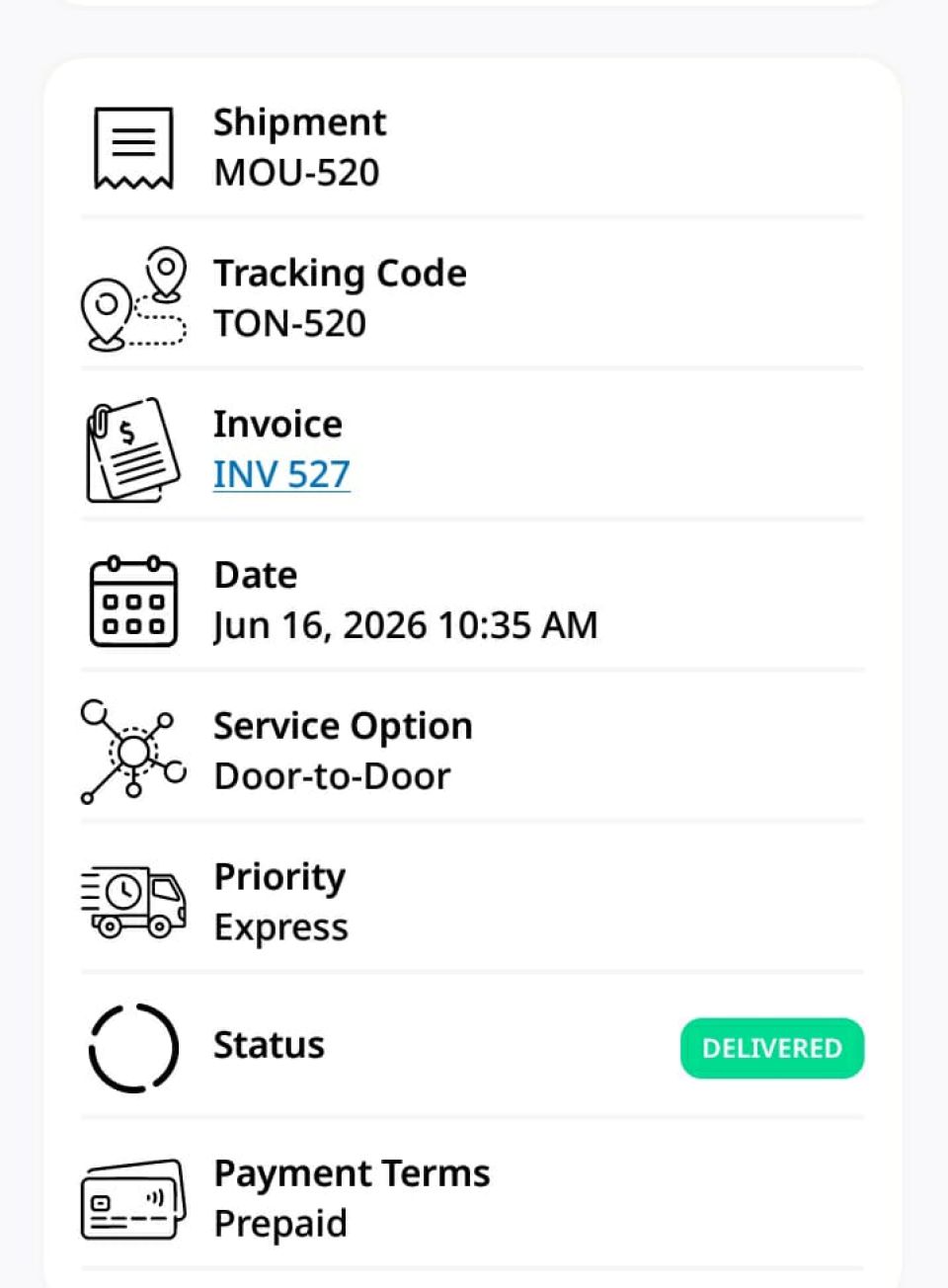
Click Submit! The shipment status instantly updates to DELIVERED, completing the entire parcel journey from booking to final receipt.